
PM Surya Ghar Apply Online (2026) — Step-by-Step Guide (Muft Bijli Yojana)
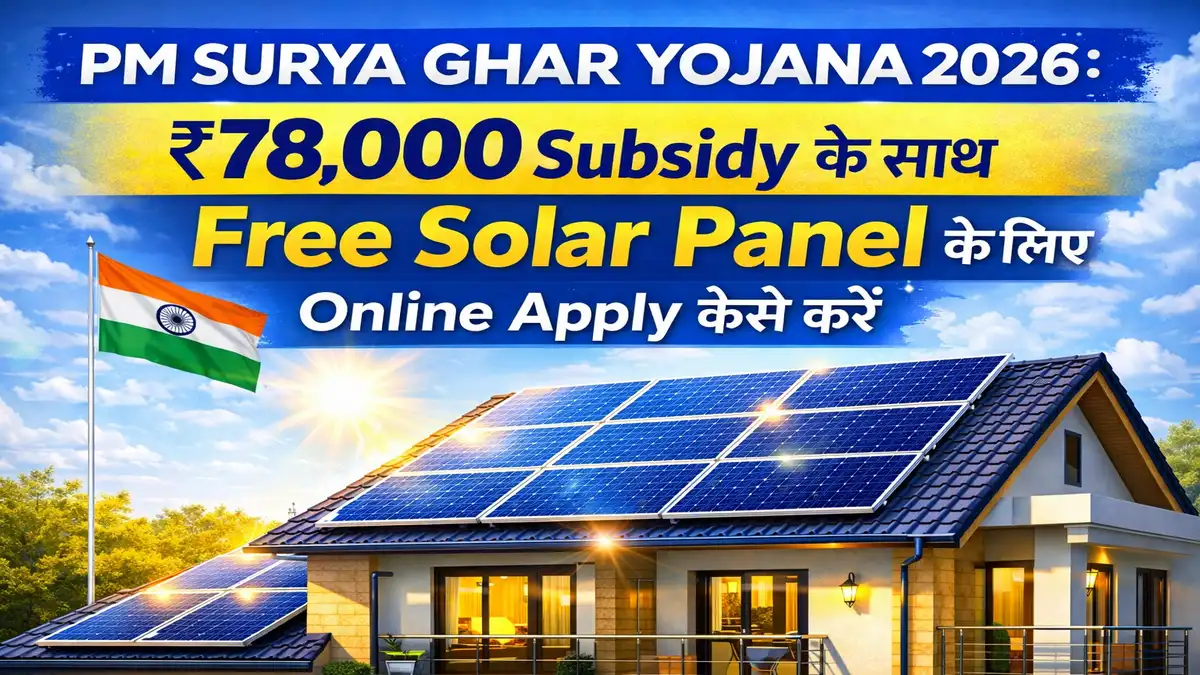
This guide is for education. Always apply only on the official portal (pmsuryaghar.gov.in). Screen labels can change by state/DISCOM, but the workflow is broadly consistent.
Quick answer (for the target keyword)
If you’re searching “pm surya ghar muft bijli yojana apply online”, the online application typically follows this flow:
- Register on the national portal with your state + DISCOM + consumer number (OTP).
- Submit the rooftop solar application (basic profile + rooftop details + documents if asked).
- Wait for DISCOM feasibility approval.
- Pick an empanelled vendor from the portal list and finalize the quote.
- Installation + net meter process.
- DISCOM inspection + commissioning certificate.
- Add bank details on the portal and track DBT subsidy status.
If you want to estimate your recommended kW and subsidy before applying, use the Solar Subsidy Calculator.
Before you apply (do this first — it prevents 80% of delays)
Your application can be “technically correct” and still get stuck due to data mismatch. Before opening the portal, ensure this checklist is ready:
Most rework happens due to mismatched details (bill name vs Aadhaar/bank), selecting the wrong DISCOM, or proceeding with a non-empanelled vendor. Fix these early to avoid “pending forever”.
Step-by-step: PM Surya Ghar apply online (detailed)
Step 1 — Open the official portal and register
Open the official portal and choose your State and DISCOM carefully. Enter your consumer/account number from the latest electricity bill and complete OTP verification.
Independent guidance sites also emphasize that applications must be submitted via the official portal and that timelines vary by DISCOM workload. For example, see this educational walkthrough: PM Solar NGO application guide.
Step 2 — Complete your profile carefully (match what’s on your bill)
Use the exact spelling/format used on your electricity bill for name/address where possible. If your bill is outdated (previous owner/tenant), first consider updating the consumer name with the DISCOM—otherwise feasibility and DBT can become a mismatch later.
Step 3 — Submit rooftop solar application + documents
Fill the form fields and upload whatever documents the portal requests. Save your application/reference number.
Document requirements can vary. A commonly shared list includes Aadhaar, electricity bill, PAN, bank passbook/cancelled cheque, and ownership proof if the bill is not in your name. See the “homeowner-only” checklist summarized here: PM Surya Ghar documents checklist (Ecozen).
Step 4 — Wait for DISCOM feasibility (this is the first “gate”)
The DISCOM checks whether your connection and local grid constraints allow a rooftop solar system. If you get a correction request, respond quickly—this stage often becomes the longest queue during high demand.
If feasibility is pending for weeks, don’t just “wait”. Re-check: (1) DISCOM selection, (2) consumer number, (3) contact details, (4) any pending portal messages.
Step 5 — Select only an empanelled vendor (subsidy eligibility depends on this)
After approval, select a vendor from the portal’s empanelled list. Confirm module + inverter model, warranty, structure quality, and who handles net metering paperwork. Always get a written quote with GST breakup and milestones.
Multiple guides warn that only empanelled vendors are eligible for subsidy and that you should avoid anyone promising “advance subsidy”. The PM Solar NGO guide states this clearly: see reminders.
Step 6 — Installation + net meter application
Installation isn’t the finish line. The system must go through the DISCOM’s meter/inspection workflow (often net metering) and be commissioned.
Many “stuck” applications are actually stuck here (net meter scheduling / inspection queue). Plan for buffer time and keep your invoices/serial numbers organized.
Step 7 — Commissioning certificate + DBT bank details
After inspection/commissioning is approved, submit bank details (account + IFSC). Subsidy is typically processed via DBT after verification.
Some industry explainers describe the final stage as: commissioning certificate → bank details submission → subsidy credited within a processing window (which can vary). See the high-level 5-step flow described in this explainer: Tata Power’s “apply online in 5 steps”.
“Hidden” details that matter (real reasons applications get delayed)
1) Name matching across bill ↔ Aadhaar ↔ bank matters more than people expect
If the electricity bill is in one name but the bank account is in another, DBT can get messy. Several document checklists explicitly call out name-match as a key risk area (electricity bill name + Aadhaar + bank). See the checklist summary: Ecozen documents guide.
2) Vendor does many “technical uploads” (you still should keep copies)
Some guidance notes that the installer/vendor may upload installation photos, work completion report, inspection report, invoice, etc. Even if the vendor uploads them, you should keep your own folder (PDF invoices, warranty cards, and a few roof/inverter/meter photos) so you can resolve disputes quickly.
3) People’s opinions: the biggest fear is “vendor quality” (not the portal form)
When homeowners talk about rooftop solar, a common theme is installation quality and long-term service (structure/waterproofing, wind load, and scams). Even vendor-published explainers acknowledge these concerns (example: “inexperienced vendors”, “incorrect wind calculations”, “scams”) in their consumer-concern sections: Tata Power blog.
Practical rule: avoid paying “100% upfront”. Use milestones (survey → feasibility → installation → net meter → commissioning). This keeps incentives aligned until the subsidy-eligible commissioning stage.
Images (reference + context)
Below are reference images (public web) to help you visualize the scheme context and typical rooftop solar hardware. They are not official portal screenshots.

Rooftop solar example image (Wikimedia Commons). Always choose an installer/vendor carefully.

Metering / inspection steps are often where timelines vary by DISCOM.
FAQs (answers Google actually wants)
What is the official website to apply online?
Use the official national portal: pmsuryaghar.gov.in.
Can I apply online without an Aadhaar-linked mobile number?
Most guides emphasize OTP verification and Aadhaar-linked mobile for identity verification. If your mobile isn’t linked, fix that first to avoid a hard stop during registration.
Is the subsidy credited before installation?
Typically, no. Multiple guides describe subsidy as post-installation/inspection via DBT. Avoid anyone promising “advance subsidy”.
What are the most common reasons for delay?
- Wrong DISCOM selection / consumer details mismatch
- Name mismatch across bill, Aadhaar, bank account
- Vendor not empanelled on the portal
- Net meter / inspection / commissioning scheduling delays
Do I need PAN card and bank proof?
Many document checklists include PAN and bank passbook/cancelled cheque for DBT verification. Check your portal’s required list for your state/DISCOM.
How do I estimate the right kW before I apply?
Use your monthly bill + roof area to size the plant. Start with our Solar Subsidy Calculator and then confirm feasibility with your DISCOM/vendor.
Related helpful reads
Related Guides

Understand PM Surya Ghar: Muft Bijli Yojana 2026—who can apply, how much subsidy you get up to ₹78,000, documents needed, and a step-by-step online application process.
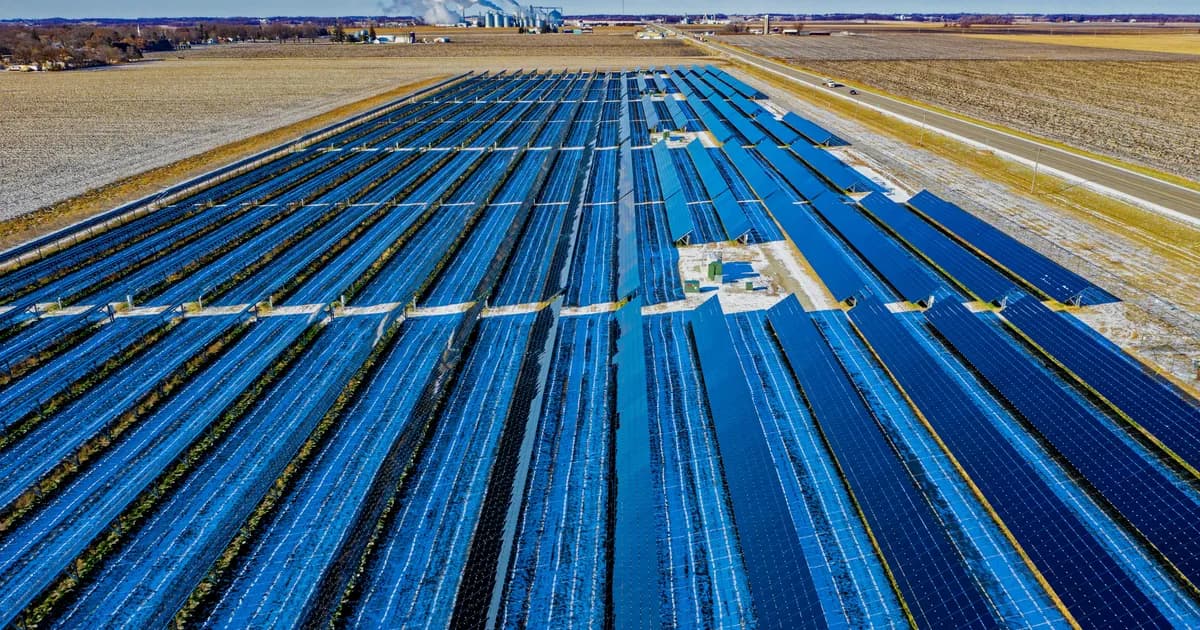
A realistic guide to scheme timelines and why applying early matters: approvals, vendor scheduling, net metering, commissioning, and DBT subsidy steps.